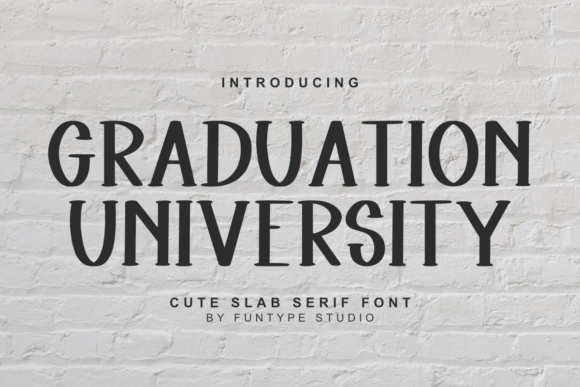
Introducing Graduation University: A Versatile Slab Serif Font for Creative Projects
Typography plays a crucial role in design, often serving as the first impression a project makes on its audience. Choosing the right font can elevate your work from ordinary to extraordinary, and that’s where Graduation University shines. This cute slab serif font is ideal for crafters, graphic designers, and anyone looking to infuse their creative projects with charm and friendliness. Its unique character brings a delightful and wholesome feel, making it an excellent addition to any designer’s toolkit.
What Is Graduation University?
Graduation University is a handcrafted slab serif typeface designed to evoke warmth and approachability while maintaining a professional structure. The rounded edges and slightly whimsical strokes give it a playful yet polished look, perfect for both digital and print applications. Unlike more formal or decorative fonts, Graduation University balances personality with readability, making it suitable for a wide range of use cases—from invitations and branding materials to educational content and marketing assets.
Where Graduation University Fits Into Your Design Workflow
Incorporating a new font into your workflow should be seamless and purposeful. Here’s how Graduation University can fit into different stages of your creative process:
Before Starting a Project
When planning a project, especially one involving visual communication, consider the tone you want to convey. If your goal is to create something warm, inviting, and relatable, Graduation University can help set the right foundation. It works particularly well for projects targeting younger audiences or those with a community-focused message.
- Brand Development: Use Graduation University during the early brainstorming phase to define the voice and style of your brand. Its friendly appearance aligns well with lifestyle, education, and family-oriented businesses.
- Content Strategy: Choose this font for headers or logos when crafting content calendars for blogs, social media, or newsletters that aim to build a personal connection with readers.
During the Design Process
Once you’re into the execution phase, Graduation University proves its versatility. Whether you're working in Adobe Illustrator, Canva, Figma, or even Google Docs, this font adapts well across platforms. Its legibility ensures it doesn’t compromise clarity for cuteness, which is essential when designing for diverse audiences.
- Pairing With Other Fonts: Combine Graduation University with a clean sans-serif font like Helvetica or Open Sans to balance its charm with professionalism. This pairing works well in posters, brochures, and websites.
- Layering Text Elements: Use it as a headline font to draw attention while keeping body text more neutral. This contrast helps guide the viewer’s eye and adds depth to your layout.
- Testing Compatibility: Ensure the font renders correctly across all devices and browsers. Check for consistency in spacing and weight, especially if using it for web design or mobile apps.
After Completion—Publishing and Feedback
Post-design, it’s important to evaluate how your chosen typography supports your overall message. Graduation University can enhance user engagement when used appropriately, but it’s also wise to test it in real-world scenarios before finalizing your project.
- Print vs. Digital: While it performs admirably on screen, always preview printed materials to ensure the font maintains its appeal in physical form. Adjust stroke weights or spacing if necessary.
- Gathering User Input: Share drafts with colleagues or target users to see how they perceive the font’s tone. You might discover it resonates better in certain contexts than others.
- Long-Term Brand Consistency: If you decide to adopt Graduation University as part of your brand identity, ensure it remains consistent across all touchpoints. Create a style guide to document its usage, helping maintain uniformity over time.
Use Cases for Graduation University
The adaptability of Graduation University allows it to serve many purposes. Here are some practical use cases where it excels:
Crafting and DIY Projects
Crafters and hobbyists will appreciate how this font adds a handmade, personal touch to items like greeting cards, scrapbooking layouts, and custom labels. Its soft curves and bold slabs make it stand out without being overwhelming.
Graphic Design and Marketing Materials
From event flyers to product packaging, Graduation University enhances visual storytelling by adding a layer of warmth and trust. It’s especially effective in campaigns targeting families, schools, or small communities where a welcoming aesthetic is key.
Education and Learning Platforms
Educators and content creators can leverage this font to make learning materials more engaging. Whether you're designing lesson plans, presentation slides, or online course interfaces, Graduation University contributes to a positive and encouraging environment.
Business Branding and Stationery
For small business owners, this font offers a way to express a down-to-earth, community-driven brand personality. Use it for letterheads, thank-you notes, and signage to reinforce a friendly and trustworthy image.
How to Integrate Graduation University Into Your Work
Successfully integrating a new font into your routine requires thoughtful preparation and organization. Follow these tips to ensure smooth implementation:
Organize Your Font Library
Keep your font collection tidy. Store Graduation University in a dedicated folder along with other similar styles. Use naming conventions that reflect each font’s intended use (e.g., “Friendly_Header_Font” or “Wholesome_Body_Font”).
Establish Usage Guidelines
Create simple rules about when and how to use Graduation University. For example:
- Limit it to headlines and subheadings to avoid visual clutter.
- Avoid using it at very small sizes where readability could suffer.
- Ensure color choices complement the font’s character (warm tones like yellows and greens often work well).
Optimize for Different Media
Depending on your project, you may need to adjust the font’s application:
- Web Design: Embed the font via CSS using @font-face. Make sure it loads efficiently and degrades gracefully on unsupported devices.
- Print Design: Confirm that the font embeds properly within PDFs or print-ready files to prevent issues during production.
- Social Media: Preview designs on various platforms to ensure the font displays consistently across desktop and mobile views.
Practical Examples and Observations
To illustrate how Graduation University can be used effectively, let’s walk through a few real-world examples:
Example 1: Family Business Logo
A local bakery wants to update its logo to appear more welcoming. By using Graduation University for the headline and a minimalist sans-serif for supporting text, the logo feels both professional and personable. The result? Customers connect with the brand on a more emotional level.
Example 2: Educational Workshop Poster
An educator creates a poster promoting a children's art workshop. She uses Graduation University for the title and event details, giving the poster a youthful and inviting vibe. Parents respond positively, noting how the font makes the activity seem fun and accessible.
Observation: Balance Is Key
While the font is charming, overusing it can lead to inconsistency or dilute the impact of your design. Use it strategically—perhaps once per page or section—to keep your visuals cohesive and purposeful.
Quality Control and Efficiency Tips
Here are a few best practices to help maintain quality and streamline your workflow when using Graduation University:
- Test Across Devices: Always check how the font looks on different screens, including smartphones, tablets, and laptops. Responsive design is critical for modern projects.
- Batch Apply Styles: In tools like Photoshop or InDesign, save commonly used text styles with Graduation University so you can apply them quickly and consistently across multiple elements.
- Backup Your Files: Save a copy of the font locally and include it in your project archives. This ensures you won’t lose access to your designs if the font becomes unavailable in the future.
Why Choose Graduation University?
There are countless fonts available today, but Graduation University stands out for several reasons:
- Its versatility allows it to transition between casual and semi-formal settings.
- The wholesome aesthetic fosters a sense of approachability and positivity.
- It’s ideal for collaborative environments, where a shared visual language can improve communication and cohesion among team members.
Getting Started With Graduation University
If you’re ready to bring a bit of charm to your next project, follow these steps to start using Graduation University:
- Download the font from a trusted source or font marketplace.
- Install it on your system or import it into your design software.
- Review the font’s license to understand permitted uses (especially for commercial projects).
- Experiment with mockups to see how it fits your current brand or project style.
- Refine your approach based on feedback and testing results.
Remember, the goal isn’t just to choose a pretty font—it’s to select one that supports your message and strengthens your design outcomes. Graduation University does exactly that when used thoughtfully.
Conclusion
Graduation University is more than just a cute font; it’s a strategic tool for designers who value both aesthetics and function. Whether you're creating for a client, a classroom, or a creative passion project, this typeface can add a touch of personality that resonates with your audience. By understanding where and how to apply it, you can ensure your work remains engaging, consistent, and impactful.
⬇️ Download FreeFree download · No sign-up required🔗 You Might Also Like
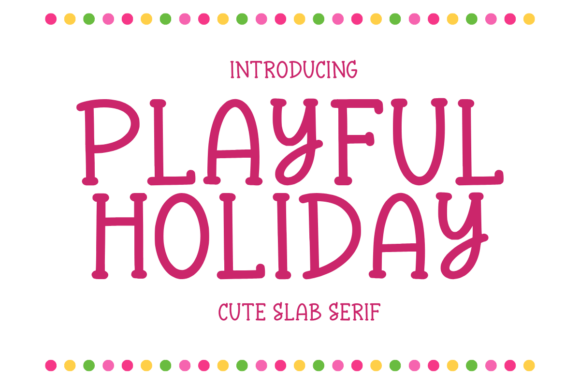
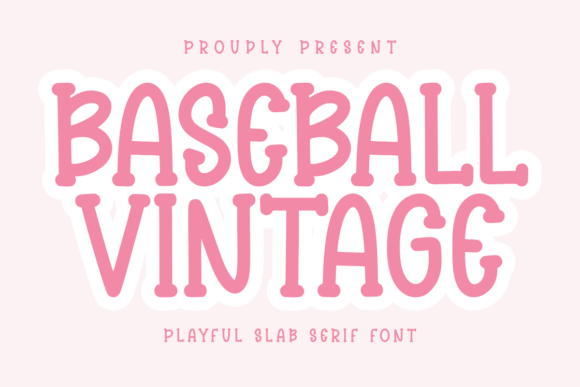
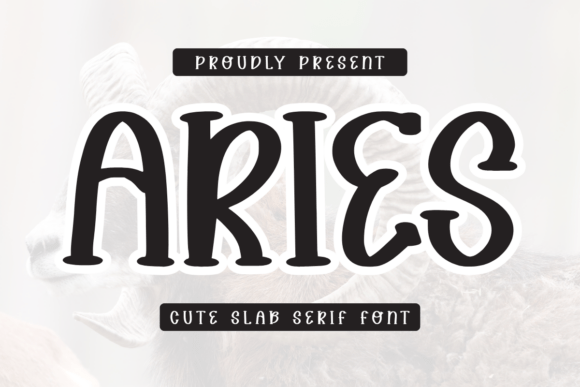
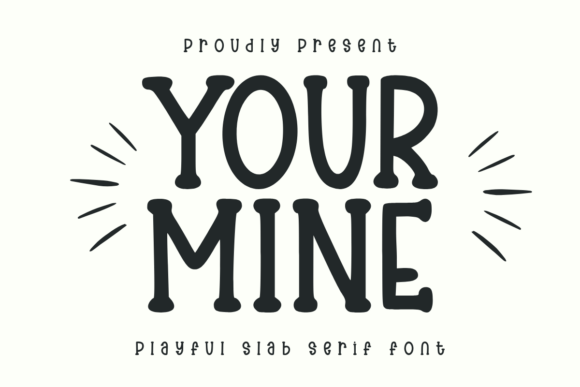
Slab SerifPlayful Holiday is a fun and playful slab serif font that’s perfect for crafts, …Slab SerifBaseball Vintage is a cute and minimalist slab serif font. This font is perfect …Slab SerifAries is a cute and minimalist slab serif font. This font is perfect for greetin…Slab SerifYour Mine is a playful slab serif font that brings a cheerful and friendly vibe …Slab SerifFunny Cat is a charming slab serif font with a clean yet whimsical vibe. Featuri…